You can edit, add, or remove results to the Live Search / Popular Searches results.
Step 1: Festival Manager / Alert Bar Tab
From the left-hand menu, click Festival Manager.
Select the Live Search tab.
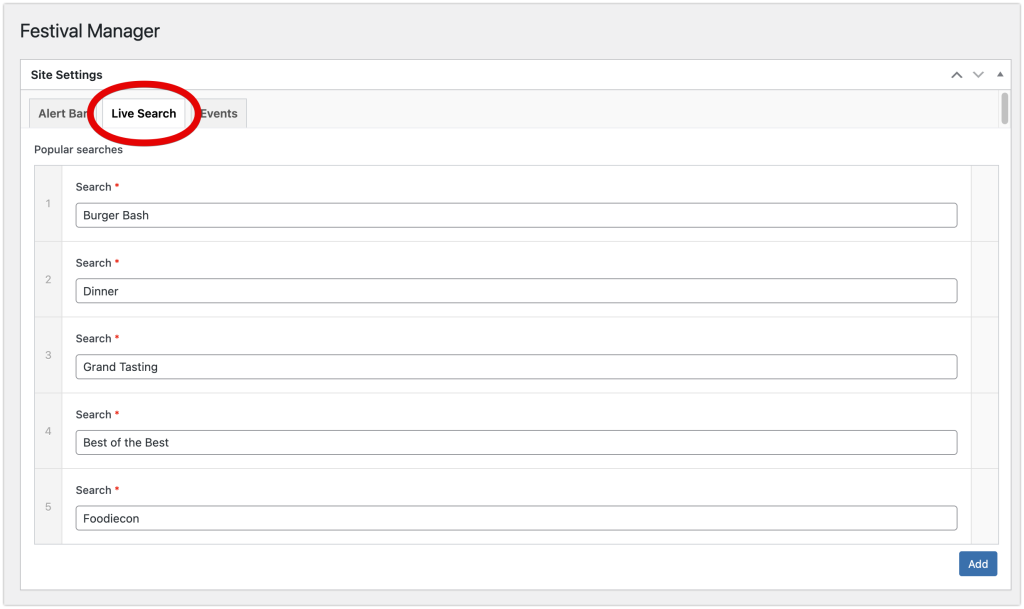
Step 2: Add / Edit / Remove / Reorder
You can edit, add, remove and reorder the live search results.
Step 3: Update/Save Changes
When you are done editing and ready to save your changes, click the blue Update button.