Step 1: Add Personality
From the left-hand menu, hover over Personalities, then select Add Personality.

Step 2: Enter Personality Data
Fill out the following fields:
- Personality Information (once you add the First/Last Names and publish, it will automatically create the title above)
- Social Media / Web Links (if available)
- Bio
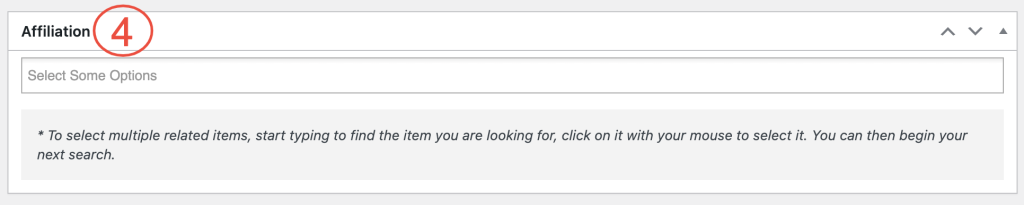
- Affiliation (Refer to guide for adding exhibitors/restaurants)


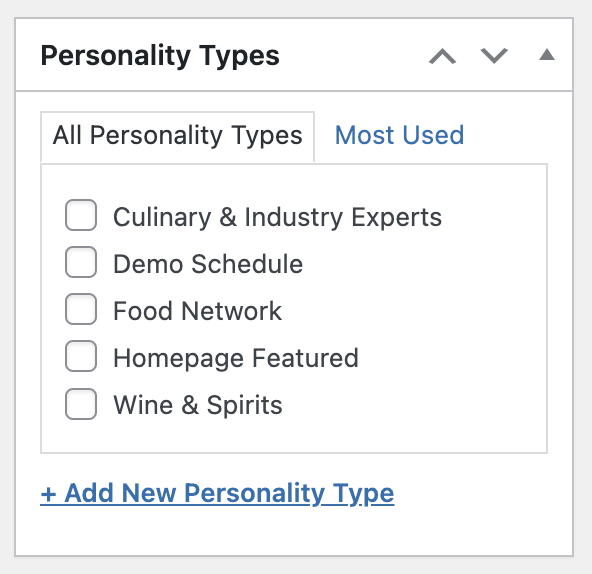
Step 3: Personality Type
Check one box for the personality type.
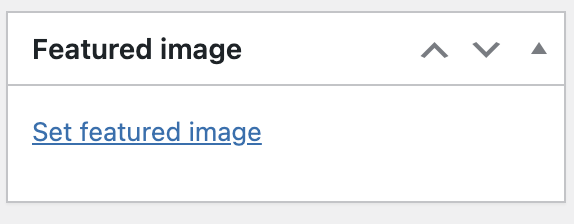
Step 4: Personality Headshot
Use the Featured Image section to upload the personality’s headshot.
Refer to the web spec sheet for proper image size.
Step 5: Publish Personality
Click the blue Publish button to add the sponsor to the website.
